
Software Pricing Guide
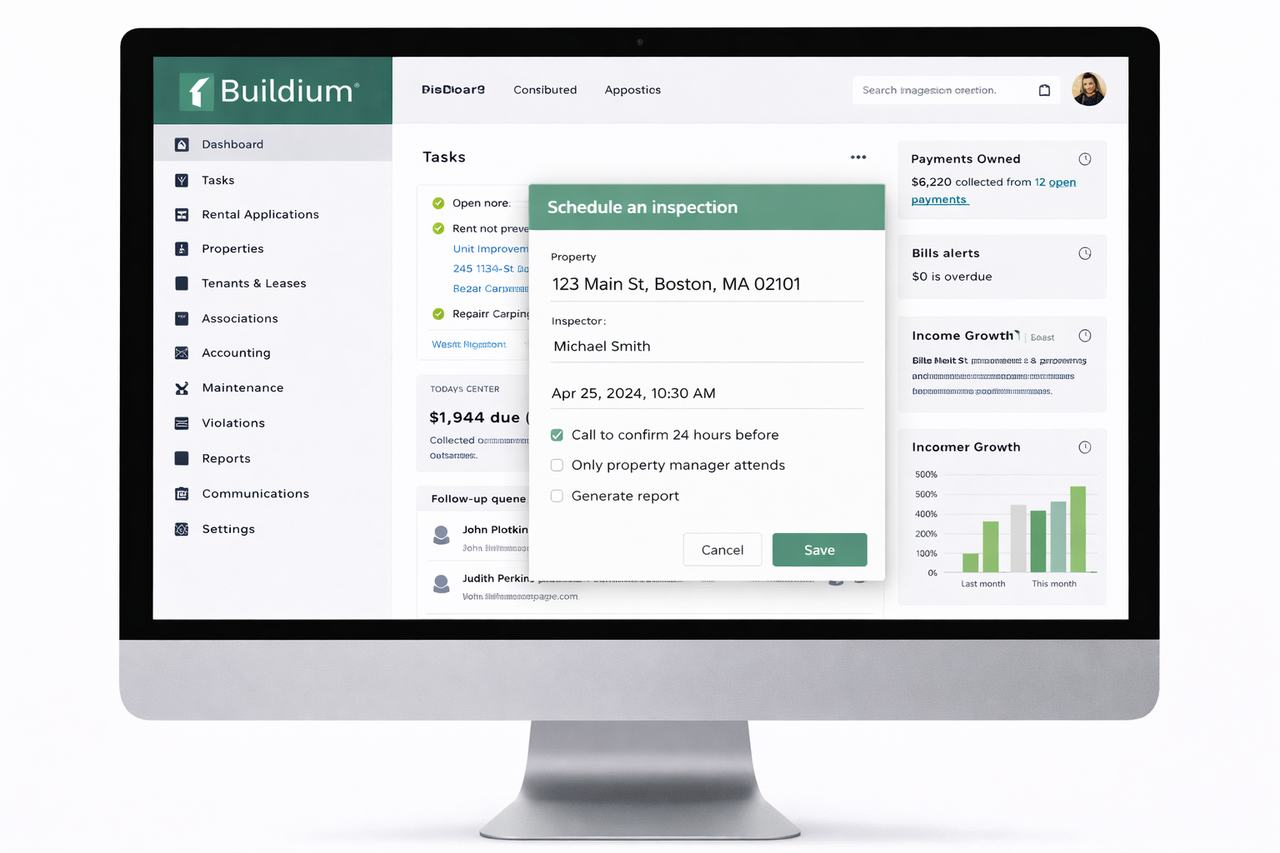
Buildium pricing explained for landlords comparing cost to structure
Buildium pricing should be judged against how much workflow structure, accounting depth, and reporting discipline the landlord actually needs, not just against a headline plan price.
Main question this page answers
Is Buildium priced in a way that still makes sense once the landlord’s real portfolio size, workflow needs, and implementation tolerance are considered?
What to watch for
Headline plans rarely tell the whole story. Pricing should be compared against setup friction, feature limits, add-ons, and whether the platform is solving the owner’s biggest operational problem.
Blue Castle angle
Many Blue Castle readers are choosing software after lease-up. That means the best platform is often the one that keeps operations simple once the tenant is placed, not the one with the longest feature list.
How to think about Buildium pricing the right way
Software pricing is usually where landlords either overbuy or underbuy. The cheapest plan is not automatically the best value if it creates extra manual work, weak reporting, or awkward leasing and maintenance processes. On the other hand, a landlord with a smaller portfolio can also overspend quickly if they pay for complexity they will not actually use. This page should therefore help the reader evaluate Buildium pricing in context, not just repeat a pricing table.
A better approach is to ask what the owner is buying the software to replace. If the goal is fewer spreadsheets, cleaner rent collection, easier leasing workflows, or less operational friction after tenant placement, the right plan should be judged against that goal. It should also be compared against nearby alternatives rather than treated as the only serious option.
Buildium pricing related pages
Use these pages if the pricing question turns into a broader platform comparison.
Where pricing decisions usually go wrong
The most common mistake is comparing the monthly cost without evaluating the workflow that comes with it. Another is assuming a trial or entry plan proves long-term fit. Landlords should look at how the software handles leasing, accounting, maintenance, communication, and reporting once the portfolio grows or the owner starts delegating pieces of the process. If the platform feels cheap up front but creates friction later, the real cost is not just the subscription.
This is where Blue Castle’s service model matters. Since the company focuses on leasing-only support and then helps owners self-manage with better systems, the best software choice is usually the one that reduces the owner’s day-to-day operational burden after the tenant is placed. That makes the transition quality just as important as the sticker price.
Need help deciding whether Buildium pricing fits your portfolio?
If the main question is whether the software cost makes sense for a small landlord, a self-manager, or an owner coming out of a leasing setup, compare the software pages together instead of treating the pricing page as a final answer.
Frequently asked questions about Buildium pricing
Should landlords judge Buildium mainly by the cheapest plan?
Usually no. The right comparison is whether the plan solves the actual operating problem without adding more friction than it removes.
Do trial offers or starter tiers tell the full story?
Not usually. They can help with initial evaluation, but long-term fit still depends on workflow, portfolio size, and what features matter after setup.
What should a small landlord compare next after this page?
Usually the review page, the features page, and at least one comparison page against the most realistic alternative.