
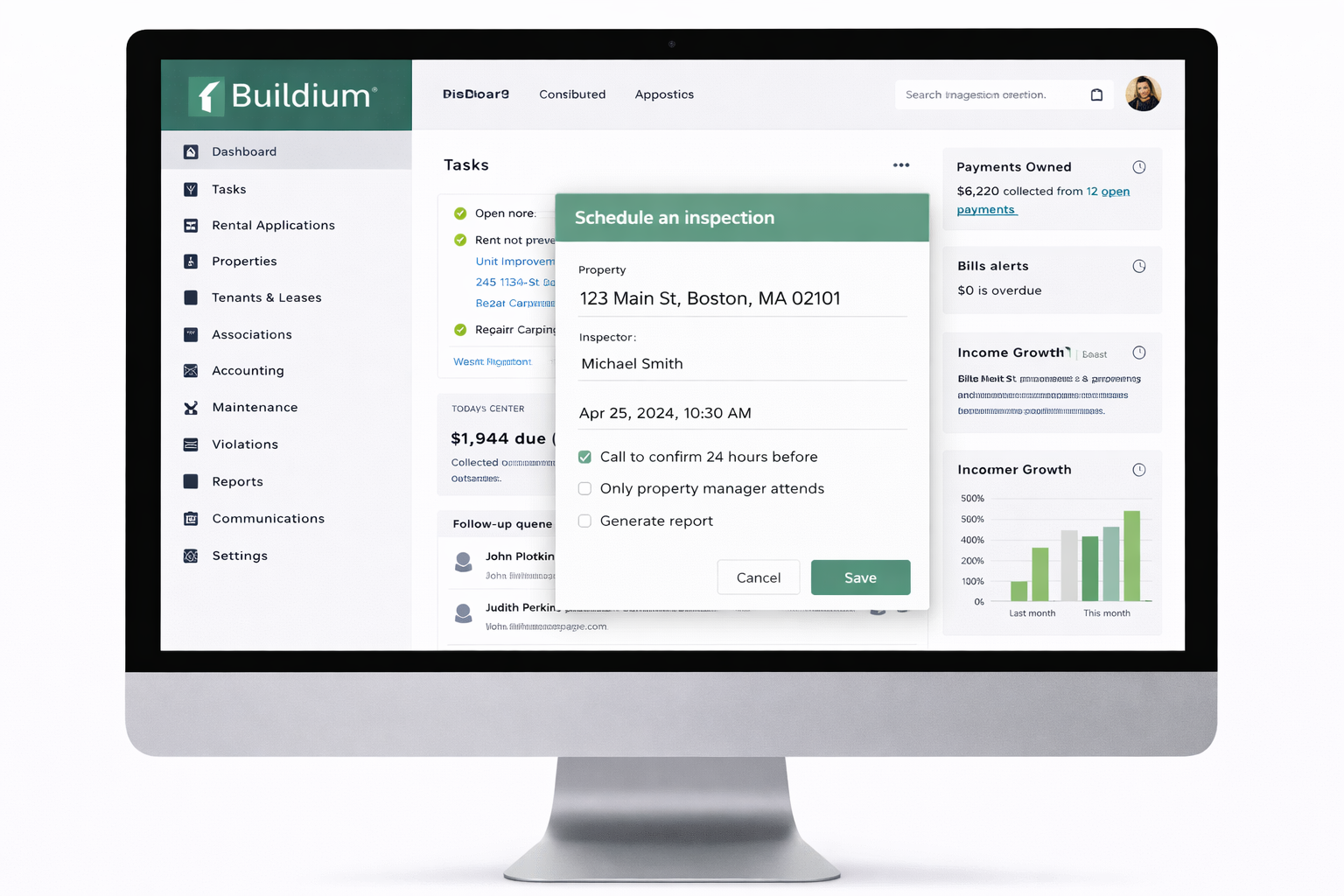
Buildium Pricing Explained
Buildium is widely used by landlords and property managers who want stronger accounting, cleaner reporting, and more structured operating systems. Understanding Buildium pricing helps you judge whether the monthly cost fits your portfolio and whether the included tools justify the expense.
How Buildium pricing works
Buildium uses a tiered monthly pricing model that generally rises with unit count and feature depth. Lower tiers cover core operations, while higher tiers add stronger automation, reporting, and workflow support.
The real question is not just what Buildium costs each month. It is whether the platform saves enough time, improves enough documentation, and brings enough accounting structure to justify the spend.
Buildium pricing tiers
Essential tier
- Rent collection and tenant management
- Basic accounting tools
- Maintenance request tracking
- Lighter automation
Growth tier
- Stronger accounting and reporting
- Automated late fees and reminders
- Tenant screening integration
- Task and workflow automation
Premium tier
- Owner portals and expanded reporting
- Priority customer support
- Broader integrations
- Portfolio level visibility
Exact pricing can vary with unit count, promotions, and plan updates, so always confirm current Buildium plans directly before signing up.
What is included in Buildium pricing
- Online rent collection
- Lease and tenant management
- Maintenance requests and work orders
- Accounting and financial reports
- Document storage
- Owner and tenant communication tools
Operations support: Software for Rent Collection
Potential additional costs
- Payment processing fees
- Tenant screening fees
- Onboarding or setup fees
- Optional premium services or add ons
These extra charges are common across property management software. They matter because the true Buildium cost is the subscription plus whatever related fees your workflow creates.
Is Buildium worth the cost
Buildium is often cost effective for landlords managing multiple units who need accounting depth, stronger reporting, and more structure across daily operations.
For a very small portfolio, Buildium may feel heavier and more expensive than necessary. For a growing portfolio, the cost often becomes easier to justify because the accounting and workflow tools replace a lot of manual work.
Related comparison: Free vs Paid Landlord Software
Who Buildium pricing makes sense for
- Small to mid size property managers
- Residential and mixed use portfolios
- Owners planning to scale
- Landlords who want stronger accounting
- Operators who prefer structure over simplicity
Use cases: Software for Multi Family and Software for Commercial Properties
Buildium vs DoorLoop on price
Many landlords searching for Buildium pricing are really comparing Buildium vs DoorLoop. Both platforms cover rent collection, maintenance, accounting, and reporting, but they sit in slightly different positions.
Buildium usually appeals more to landlords who value accounting depth and formal workflows. DoorLoop often appeals more to landlords who want a cleaner interface and a lighter learning curve.
That means the better choice is not always the cheaper one. It is the one that matches your portfolio size, reporting needs, and operating style.
Buildium vs alternatives on price
Buildium usually costs more than lightweight landlord tools but less than large enterprise platforms. The pricing reflects its stronger accounting features, owner reporting, and structured operational scope.
Want current Buildium pricing details?
The fastest way to evaluate Buildium cost is to review the current plans and see whether the reporting and accounting features fit your workflow.
Buildium pricing FAQs
Does Buildium charge per unit or per property?
Is there a minimum unit count?
Is Buildium worth it for small landlords?
Own rentals in Florida and need help buying or selling investment property Visit Golden Hour Real Estate. Need financing for rental properties Visit 360 Mortgage. Need insurance guidance for rentals Visit Henson Agency.